YouTube 视频搜索下载 · 全程无需科学

总使用次数: 2,425,934 评论总数: 0
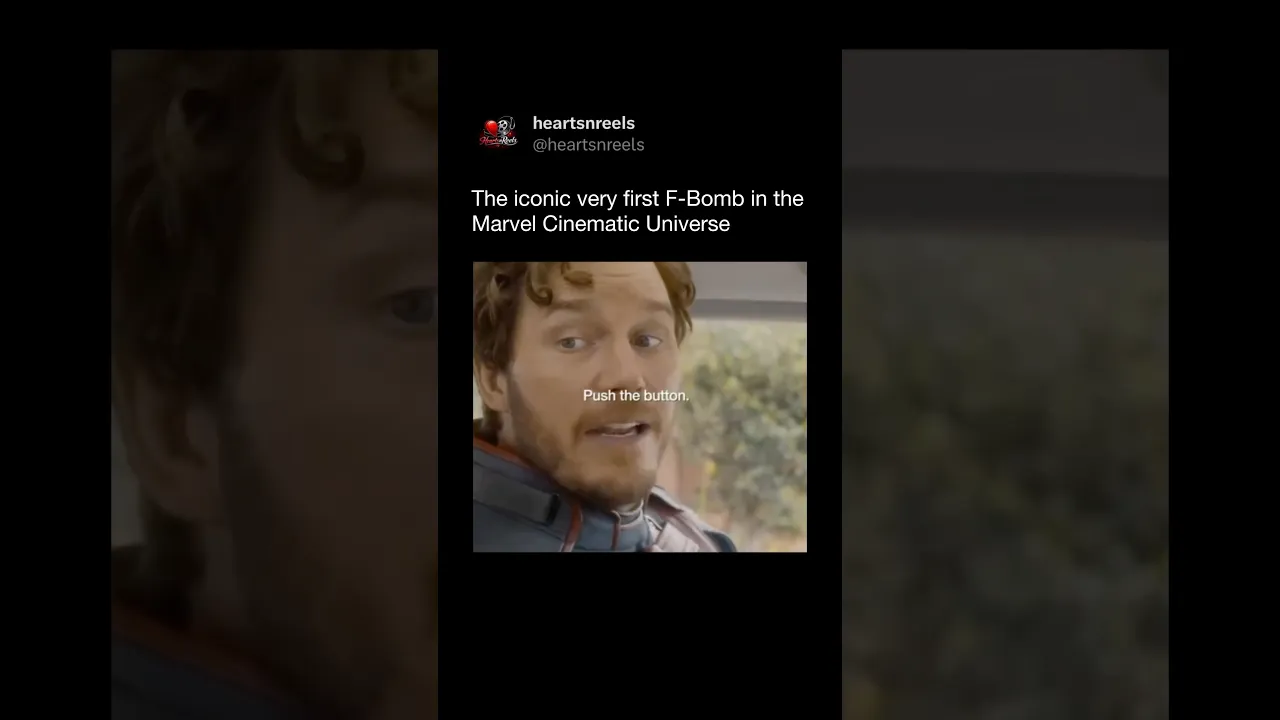
MCU’s FIRST On-Screen F-Bomb 😳 (Guardians of the Galaxy Vol. 3)

Guardians of the Galaxy Vol. 3 (2023) made MCU history with the first on-screen F-bomb in a Marvel Studios film. The moment hits during an emotional exchange with the Guardians, and director James Gunn has said the line was intentionally placed to feel earned, not just shock value. If you caught it in theaters, you KNOW the whole room reacted. 😭 Follow @Heartsnreels for more MCU details, trivia, and iconic movie moments. #GuardiansOfTheGalaxyVol3 #MCU #Marvel #JamesGunn #StarLord #MovieFacts #FilmTrivia #MarvelStudios #HeartsnReels

下载选项

是否极速下载
注意: 极速需要科学网络
仅显示有音频的行

下载列表

💥💥💥 推荐使用 IDM 下载,可多线程加速,🧧IDM 软件加群置顶自取
质量 帧率 格式 音频 大小 下载 VIP
1080p 30 mp4 1MB
1080p 30 webm 1MB
1080p 30 mp4 3MB
720p 30 mp4 855KB
720p 30 webm 1MB
720p 30 mp4 1MB
480p 30 mp4 906KB
480p 30 mp4 555KB
480p 30 mp4 414KB
480p 30 webm 849KB
480p 30 webm 527KB
360p 30 mp4 545KB
360p 30 mp4 356KB
360p 30 mp4 1MB
360p 30 webm 272KB
240p 30 mp4 176KB
240p 30 mp4 130KB
240p 30 webm 139KB
medium webm 270KB
medium m4a 291KB
low webm 110KB
low m4a 110KB
144p 30 mp4 93KB
❗❗❗ 如果点击下载进入预览页,可尝试下载按钮右键链接另存为、右键使用 IDM 下载。🧧IDM 软件加群置顶自取
❗❗❗ 对于视频没有声音的问题,可分别下载视频和音频然后使用下列几种方式解决 👇

合成视频和音频(YouTube使用分开的视频和音频存储方式)

方式一:使用付费下载合成好的视频和音频文件

微信扫码支付 1.99 (原价 2.99) 立即下载音视频合成后的文件

方式二:使用 PotPlayer 合并视频音频播放

下载无声音的视频文件,并使用 PotPlayer (https://potplayer.daum.net) 打开视频,播放界面鼠标右键 -> 打开 -> 载入音频 -> 文件类型选择「所有文件(*.*)」 -> 选择下载的音频文件(例如xxx.weba),现在视频就有声音了,如下图。
方式二:使用 PotPlayer 合并视频音频播放

方式三:使用 FFmpeg 合并视频音频为一个文件

ffmpeg -i video.webm -i audio.weba -vcodec copy output.mp4

合成后的 output.mp4 将是有声音的

FFmpeg Download: https://ffmpeg.org/download.html

Windows: winget install ffmpeg

Mac: https://evermeet.cx/ffmpeg/