YouTube Video Search Download · No proxy required

Usage times: 2,578,169 Number of comments: 0
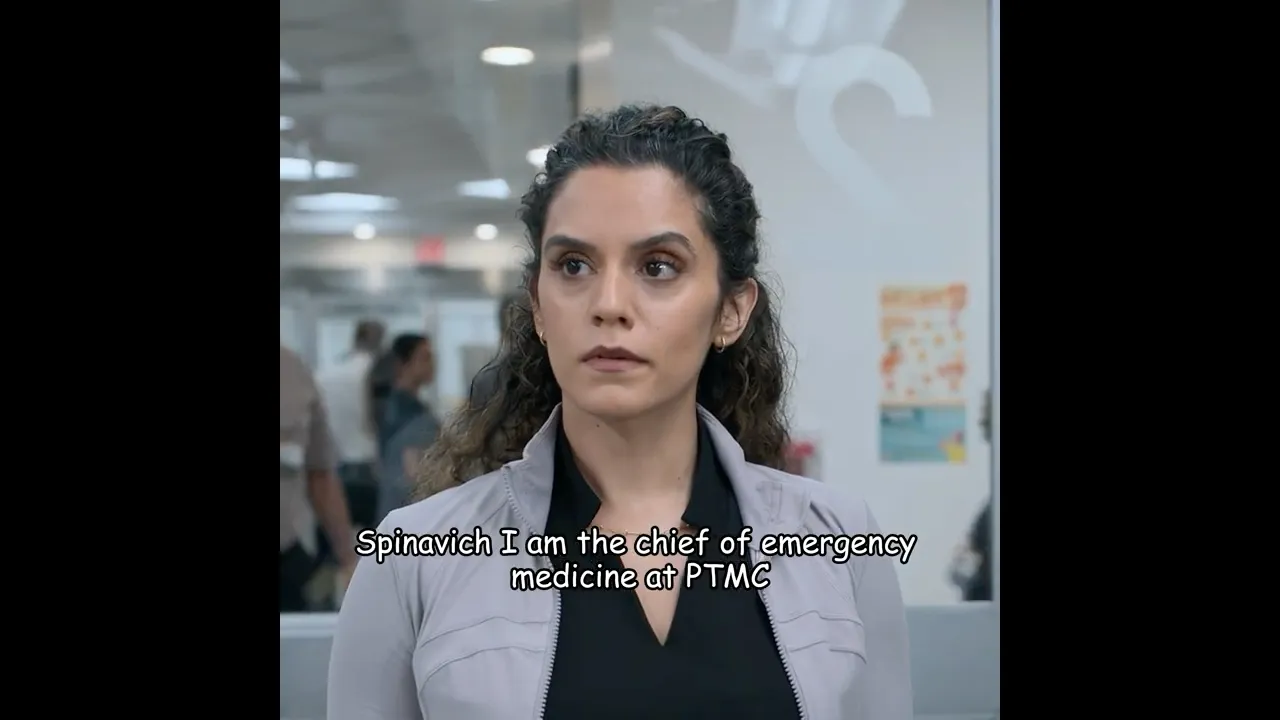
Her Boss Tried to Fire Her… Until the Doctor Took the Phone

While lying in the ER with IV needles in her arm, a terrified employee takes a call from her boss—who is threatening to fire her for missing work. Weak and in pain, she desperately begs him not to do it. But when the doctor overhears the conversation, he steps in, takes the phone, and firmly warns the boss that if she is fired for being hospitalized, he will personally testify against him. In a moment that instantly shifts the power dynamic, the doctor stands up for a vulnerable patient who has no one else to defend her. A powerful and emotional scene from The Pitt that reminds us compassion still exists in the most stressful moments.

Download Options

Fast download
Tips: Fast requires "Over the Great Firewall" Network
Only show audio

Download List

💥💥💥 Recommended to use IDM, can be accelerated by multiple threads, 🧧IDM software join group top self-pickup.
Quality FPS Format Audio Size Download VIP
2160p 30 mp4 38MB
2160p 30 webm 59MB
1440p 30 mp4 19MB
1440p 30 webm 26MB
1080p 30 mp4 9MB
1080p 30 mp4 6MB
1080p 30 webm 8MB
720p 30 mp4 4MB
720p 30 webm 5MB
720p 30 mp4 3MB
720p 30 mp4 5MB
480p 30 webm 1MB
480p 30 mp4 2MB
480p 30 mp4 1MB
480p 30 webm 3MB
480p 30 mp4 1MB
360p 30 mp4 1MB
360p 30 webm 640KB
360p 30 mp4 1MB
240p 30 mp4 348KB
240p 30 webm 351KB
240p 30 mp4 654KB
medium webm 776KB
medium m4a 822KB
low webm 308KB
low m4a 311KB
144p 30 mp4 331KB
❗❗❗ If you click Download to enter the preview page, you can try to right-click the download button to save the link as, right-click to use IDM to download.🧧IDM software join group top self-pickup
❗❗❗ For the problem that the video has no sound, you can download the video and audio separately and use the following methods to solve the problem 👇

Synthesize video and audio(YouTube uses separate video and audio storage)

Method 1: Use paid downloads of synthesized video and audio files

Scan the WeChat QR code to pay 1.99 (not 2.99) download synthesized audio and video files immediately

Method 2: Use PotPlayer to combine video and audio playback

Download a video file without sound, and use PotPlayer (https://potplayer.daum.net) to open the video, right click on the playback interface -> Open -> Load External Audio -> File Type select "All Files (*.*)" -> Select the downloaded audio file (for example xxx.weba), now the video has sound, as shown below.
Method 2: Use PotPlayer to combine video and audio playback

Method 3: Use FFmpeg to combine video and audio into one file

ffmpeg -i video.webm -i audio.weba -vcodec copy output.mp4

The synthesized output.mp4 will have sound

FFmpeg Download: https://ffmpeg.org/download.html

Windows: winget install ffmpeg

Mac: https://evermeet.cx/ffmpeg/