
YouTube 视频搜索下载 · 全程无需科学
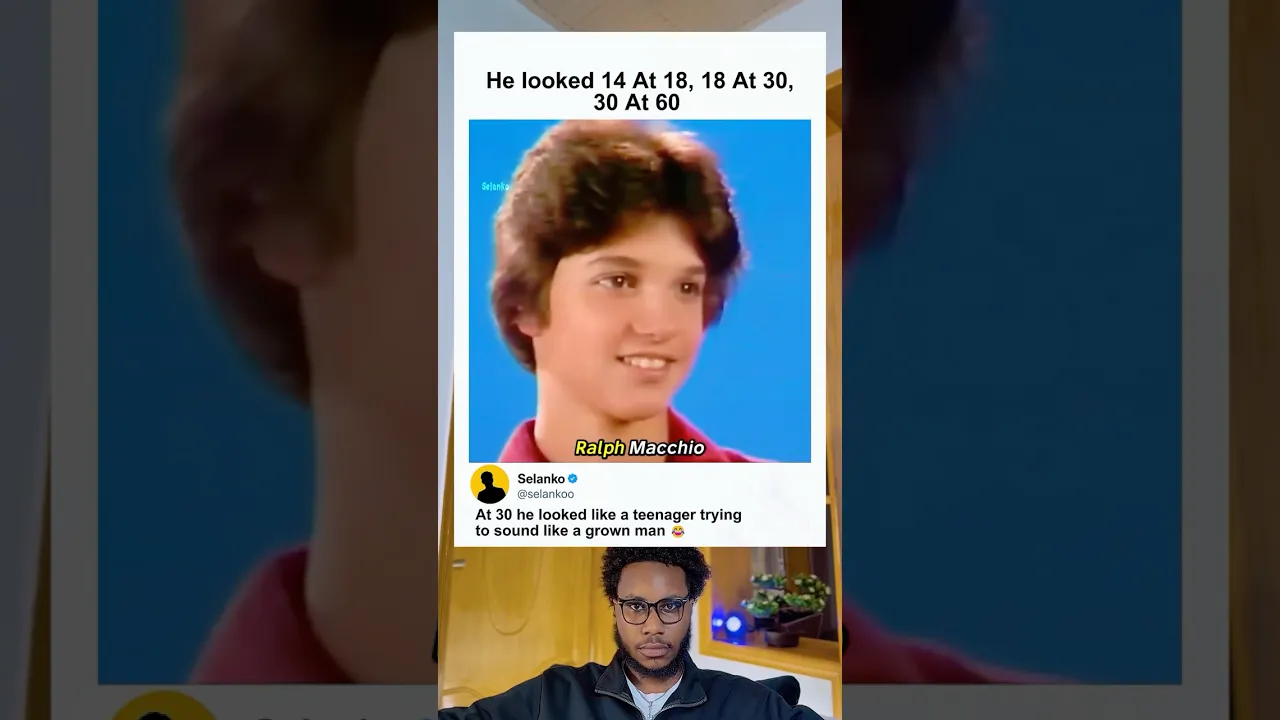
Ralph Macchio has confused the internet for decades because somehow… he never seems to age 😭 Best known for playing Daniel LaRusso in The Karate Kid and later returning in Cobra Kai, Ralph became one of the most recognizable faces in pop culture history. Fans constantly joke that: 🧒 He looked 14 at 18 🧑 He looked 18 at 30 👨 He looked 30 at 60 😭 Even during later interviews and movie appearances, Macchio still had the same youthful look that made him famous in the 1980s — turning him into one of Hollywood’s biggest “does not age” celebrities. In this video, we revisit Ralph Macchio’s career, his Karate Kid legacy, and the internet’s obsession with his impossible aging. Subscribe for more celebrity nostalgia, movie history, viral moments, and pop culture content. #RalphMacchio #KarateKid #CobraKai #DanielLaRusso #MovieNostalgia #CelebrityMoments #PopCulture #80sMovies #Netflix #ViralVideo Fair Use Disclaimer: Copyright Disclaimer under Section 107 of the Copyright Act 1976, allowance is made for “fair use” for purposes such as criticism, comment, news reporting, teaching, scholarship, education, and research. This video is intended for commentary, review, reaction, and entertainment purposes. All clips, images, and footage belong to their respective owners. YouTube Tags: ralph macchio, karate kid, cobra kai, daniel larusso, ralph macchio age, celebrity aging, hollywood celebrities, movie nostalgia, cobra kai netflix, karate kid cast, celebrity memes, viral celebrity moments, pop culture, 80s movies, movie history, nostalgic celebrities, ralph macchio young, internet reactions, funny celebrity facts Selanko
下载选项
下载列表
合成视频和音频(YouTube使用分开的视频和音频存储方式)
方式一:使用付费下载合成好的视频和音频文件
1.99 (原价 方式二:使用 PotPlayer 合并视频音频播放

方式三:使用 FFmpeg 合并视频音频为一个文件
ffmpeg -i video.webm -i audio.weba -vcodec copy output.mp4
合成后的 output.mp4 将是有声音的
FFmpeg Download: https://ffmpeg.org/download.html
Windows: winget install ffmpeg