
YouTube 视频搜索下载 · 全程无需科学
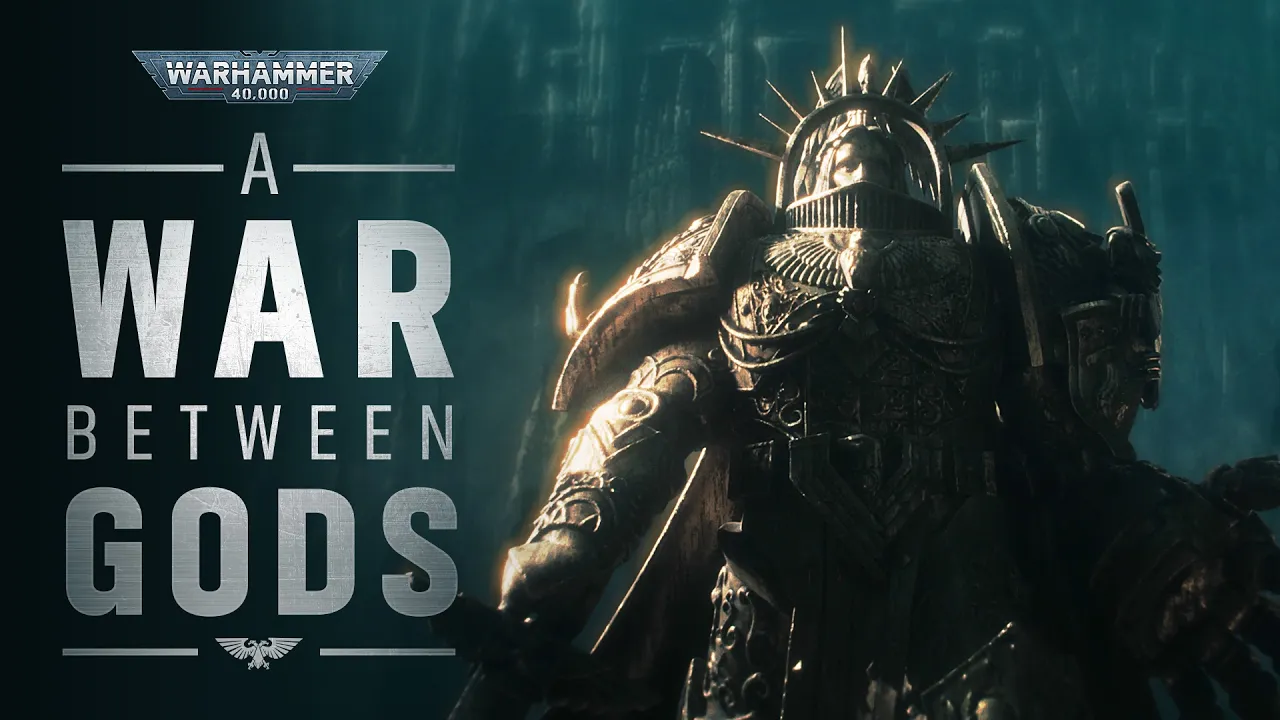
In the 41st Millennium, there is no peace amongst the stars – only an eternity of carnage and slaughter, and the laughter of thirsting gods. Forget the power of technology and science. Forget the promise of progress and understanding. In the grim darkness of the far future, there is only war. Pre-order the Warhammer 40,000: Armageddon new edition launch set on Saturday 6 June 2026, and buy it in stores on 20th June. Here's what you need to know: https://www.warhammer-community.com/en-gb/articles/b0ic7nin/new40k-new-cinematic-trailer-drops/ Like, share, and subscribe to see all the latest videos, news, and reveals from the 41st Millennium. Sign up for Warhammer+: https://www.warhammerplus.com/ Warhammer Community: https://www.warhammer-community.com/ Facebook: https://www.facebook.com/warhammer40000uk/ Instagram: https://www.instagram.com/warhammerofficial Get Warhammer in your inbox: https://games-workshop.slgnt.eu/optiext/optiextension.dll?ID=PbkPioIi2OPuuZJNYIbPpPXeiNUE3YFeRk%2BgnKJ5zAj8YvRzzIHfFtC7TgGJCQRL3T2kUIo4g6QaHZRnvC&sg_lang=en&source=warhammer40000youtube
下载选项
下载列表
合成视频和音频(YouTube使用分开的视频和音频存储方式)
方式一:使用付费下载合成好的视频和音频文件
1.99 (原价 方式二:使用 PotPlayer 合并视频音频播放

方式三:使用 FFmpeg 合并视频音频为一个文件
ffmpeg -i video.webm -i audio.weba -vcodec copy output.mp4
合成后的 output.mp4 将是有声音的
FFmpeg Download: https://ffmpeg.org/download.html
Windows: winget install ffmpeg