
YouTube 视频搜索下载 · 全程无需科学
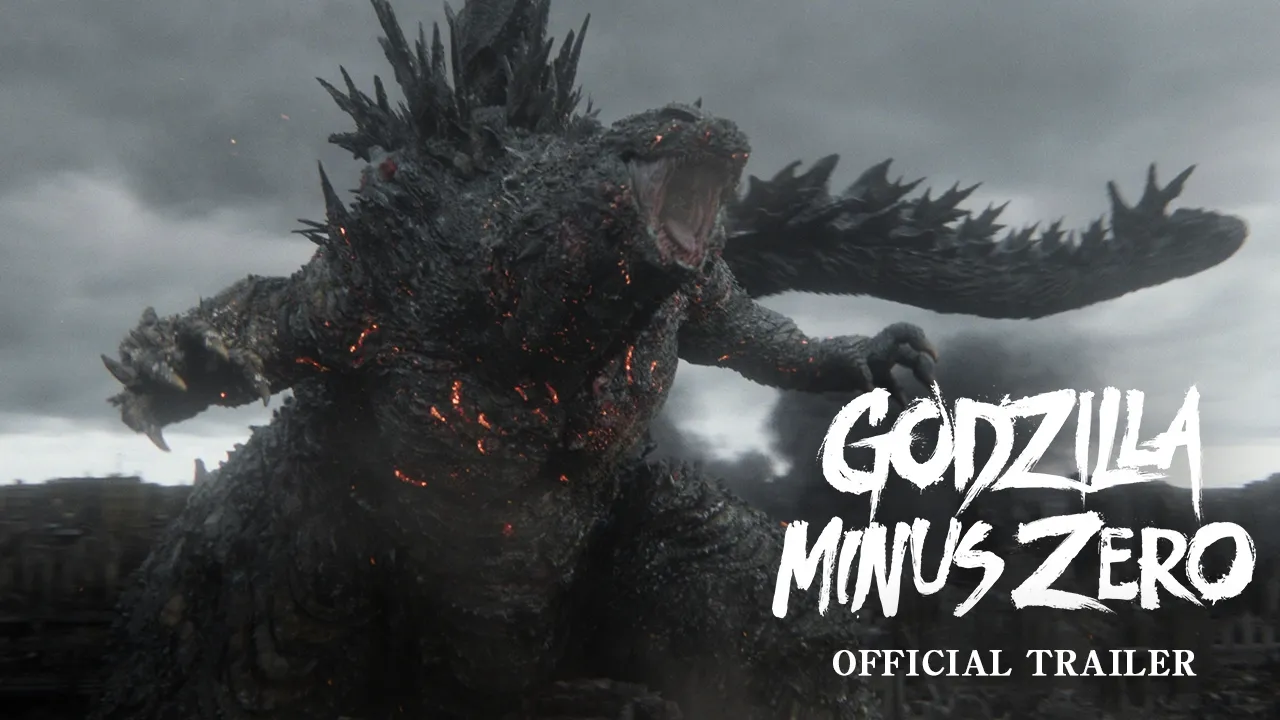
Everything ends here. Experience GODZILLA MINUS ZERO, the first-ever Japanese production #FilmedForIMAX, in theatres November 6. GODZILLA MINUS ZERO VFX, Written, and Directed by Takashi Yamazaki In theatres November 6 Follow @godzilla_toho and @GKIDSfilms for more updates! godzillaminuszero.com War reduced Japan to zero, and Godzilla plunged it into minus. Two years have passed since then, and the country has faced agonizing struggles to achieve recovery and finally reclaim its daily life. Just as humanity managed to cling to a hard-won peace, a new threat strikes, crushing hope in an instant. There is no third time. Everything ends here. Shot entirely in Japan as the first-ever Japanese production to be Filmed For IMAX, GODZILLA MINUS ZERO was shot with high-definition digital cameras certified by IMAX, and optimized in sound and imagery unique to IMAX screens. The globally beloved monster returns to movie theater screens reaching greater and more terrifying heights, making GODZILLA MINUS ZERO a true cinematic event not to be missed.
下载选项
下载列表
合成视频和音频(YouTube使用分开的视频和音频存储方式)
方式一:使用付费下载合成好的视频和音频文件
1.99 (原价 方式二:使用 PotPlayer 合并视频音频播放
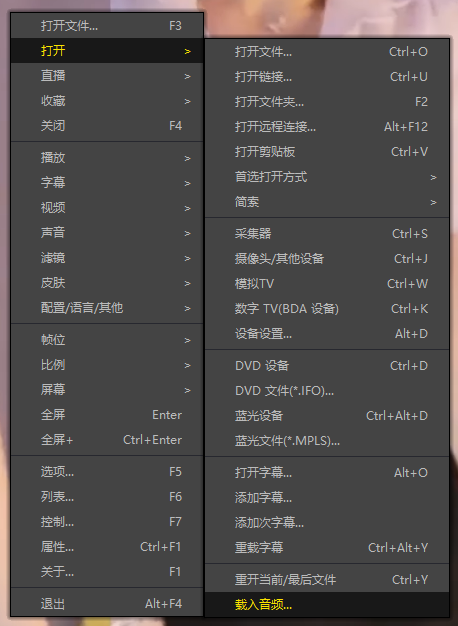
方式三:使用 FFmpeg 合并视频音频为一个文件
ffmpeg -i video.webm -i audio.weba -vcodec copy output.mp4
合成后的 output.mp4 将是有声音的
FFmpeg Download: https://ffmpeg.org/download.html
Windows: winget install ffmpeg