
YouTube 视频搜索下载 · 全程无需科学
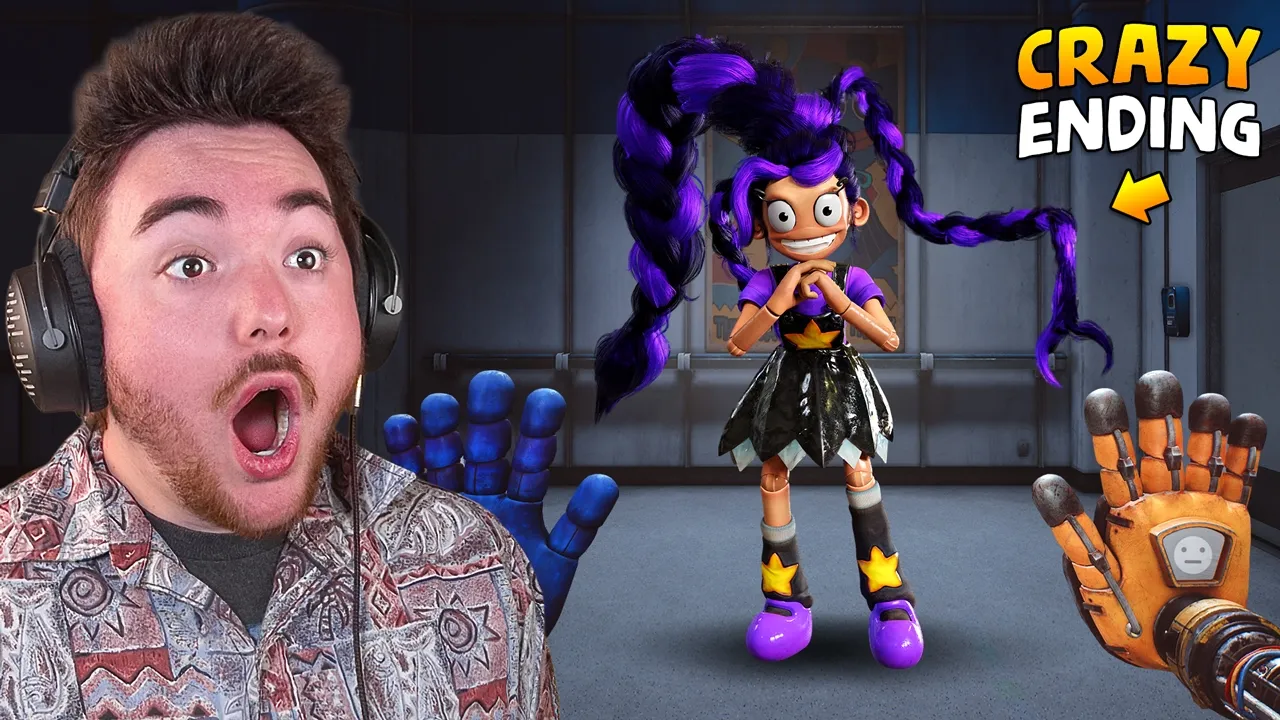
Merch: https://creatorink.co/57e Become Part of the Dakpack: http://subscribe.dakblake.com/ Post Memes: https://www.reddit.com/r/dakblake/ Follow me on Tik Tok: https://www.tiktok.com/@dakblaketiktok Watch this next: https://www.youtube.com/watch?v=vA7jwDmTMVw&list=PLBAutaS7oxOHYuS4ACsPhFvp304kV9Apk PLAYING POPPY PLAYTIME CHAPTER 5... (Full Game + Crazy Ending) What’s up MA DUDES!!!! How is it going today? Today we are going to be playing the FULL GAME of POPPY PLAYTIME CHAPTER 5!!! Yup, today is the day we get to meet the Prototype. We get to see all the new characters like Lily Lovebraids, Chum, Giblet, and more! We are going to see if we can discover secrets, break the game, and make our own funny moments along the way! Maybe we can even try to find some secret endings! But oh boy, this ending we get is already INSANE! I can’t wait to see what happens when we mod the game and add our own stuff! Join me on this amazing and exciting adventure as we discover what happens when we play POPPY PLAYTIME CHAPTER 5!!! Enjoy. #dakblake #poppyplaytime #poppyplaytimechapter5 Check out Poppy Playtime Chapter 5 here: https://store.steampowered.com/app/4100940/Poppy_Playtime__Chapter_5/ Edited by: @FrazzzYT 👉 Twitter 👈 : https://twitter.com/dakblake 📹 Instagram 📹: https://www.instagram.com/dakblake_/ Songs by Kevin Macleod Ending: Back Again by LEMMiNO
下载选项
下载列表
合成视频和音频(YouTube使用分开的视频和音频存储方式)
方式一:使用付费下载合成好的视频和音频文件
1.99 (原价 方式二:使用 PotPlayer 合并视频音频播放

方式三:使用 FFmpeg 合并视频音频为一个文件
ffmpeg -i video.webm -i audio.weba -vcodec copy output.mp4
合成后的 output.mp4 将是有声音的
FFmpeg Download: https://ffmpeg.org/download.html
Windows: winget install ffmpeg