
YouTube 视频搜索下载 · 全程无需科学
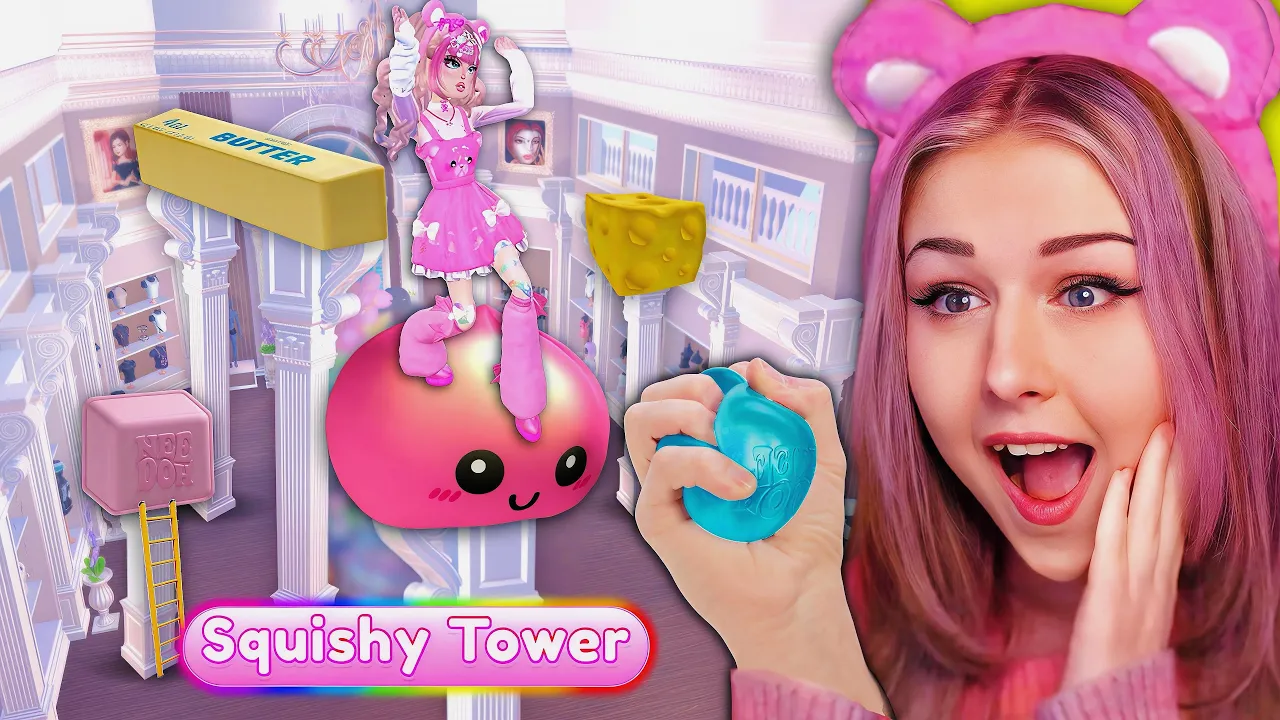
Thank you so much for watching! 💞 💟 ⇉ Make sure to SUBSCRIBE for daily ROBLOX content! ⇇ 💟 🌠★ All About Me: https://callmehhaley.carrd.co/ ★🌠 🛍️ MERCH: https://callmehhaley.com/ ⚠️ Business Inquiries: callmehhaley@altlymedia.com ✄------------------------------------------------------------------------------------ 🌈 Hey guys! It's Haley here. Welcome back to another Roblox video on my channel. In today's video I Added A DTI SQUISHY TOWER w/ An INSANE Challenge! | ROBLOX Dress to Impress This squishy video is filled with needohs, cheese, dumplings & more satisfying squishies! ✄------------------------------------------------------------------------------------ 💫 Important Links: ❤️ Merch: https://callmehhaley.com/ 🧡 Youtube Channels: ・Main - https://www.youtube.com/@callmehhaley/videos ・Vlog Channel - https://www.youtube.com/@HaleyBear/videos 💛 Instagram: https://www.instagram.com/callmehhaley/ 💚 Twitter: https://twitter.com/callmehhaleyx 💙 Tiktok: https://www.tiktok.com/@callmehhaley?lang=en 💜 Roblox Group: https://www.roblox.com/groups/6236226/CallMehHaley#!/about ✄------------------------------------------------------------------------------------ 𝘼𝙗𝙤𝙪𝙩 𝙢𝙚: Hi! I am callmehhaley. I am a ROBLOX Youtuber who especially loves all sorts of dress up or cute games like Dress to Impress, Royale High and more! I post everyday with tons of variety of videos such as challenges, updates, sneak peeks, secrets, and also tips! Stay tuned for more and make sure to SUBSCRIBE! ✄------------------------------------------------------------------------------------ 𝘾𝙧𝙚𝙙𝙞𝙩𝙨: Merch art, Reaction images & Channel profile: https://x.com/BongoLad
下载选项
下载列表
合成视频和音频(YouTube使用分开的视频和音频存储方式)
方式一:使用付费下载合成好的视频和音频文件
1.99 (原价 方式二:使用 PotPlayer 合并视频音频播放

方式三:使用 FFmpeg 合并视频音频为一个文件
ffmpeg -i video.webm -i audio.weba -vcodec copy output.mp4
合成后的 output.mp4 将是有声音的
FFmpeg Download: https://ffmpeg.org/download.html
Windows: winget install ffmpeg