
YouTube 视频搜索下载 · 全程无需科学
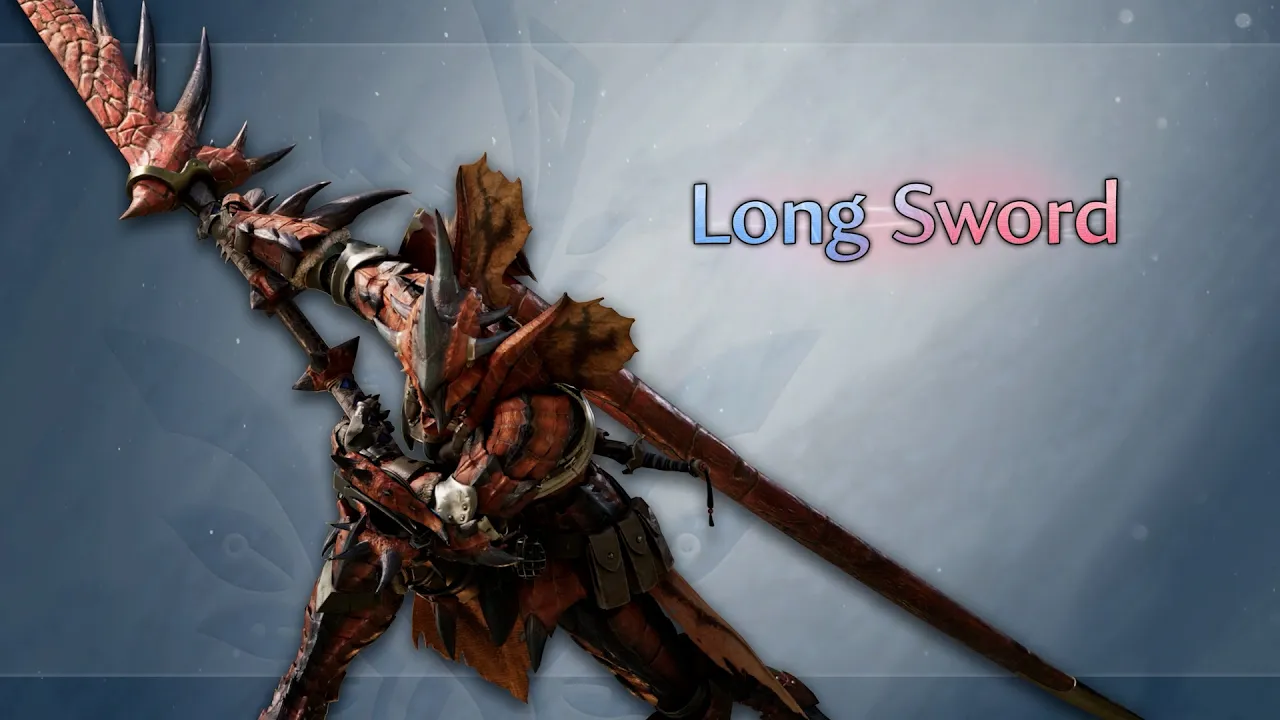
⚔️ Long Sword: Boosted Action Breakdown! 💥 Slash and build Spirit Gauge. 💥 Enhanced combos and counters. 💥 Greater offset and stagger potential. #MHWilds #Ascendance Official website https://www.monsterhunter.com/wilds-ascendance/ *Footage represents a game still in development. The main Monster Hunter Wilds game is required to play Monster Hunter Wilds: Ascendance. About Monster Hunter Wilds: Ascendance Monster Hunter Wilds: Ascendance takes the hunt to new heights in Master Rank. New monsters and challenges, evolved hunting actions and mechanics, a new locale, and the next chapter in the Expedition Team's story await in 2027 on PS5, XBOX Series X|S, PC, and Nintendo Switch 2. https://twitter.com/monsterhunter https://www.instagram.com/monsterhuntergame/ https://www.facebook.com/monsterhunter https://www.youtube.com/monsterhunter https://discord.gg/capcom https://www.facebook.com/monsterhunter ©CAPCOM CO., LTD. ALL RIGHTS RESERVED.
下载选项
下载列表
合成视频和音频(YouTube使用分开的视频和音频存储方式)
方式一:使用付费下载合成好的视频和音频文件
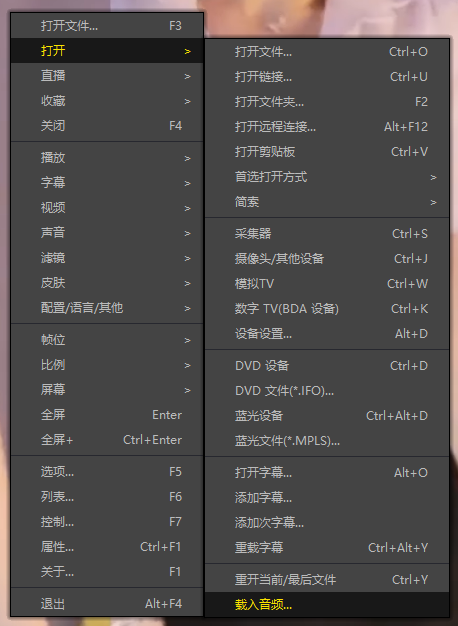
1.99 (原价 方式二:使用 PotPlayer 合并视频音频播放
方式三:使用 FFmpeg 合并视频音频为一个文件
ffmpeg -i video.webm -i audio.weba -vcodec copy output.mp4
合成后的 output.mp4 将是有声音的
FFmpeg Download: https://ffmpeg.org/download.html
Windows: winget install ffmpeg