
YouTube 视频搜索下载 · 全程无需科学
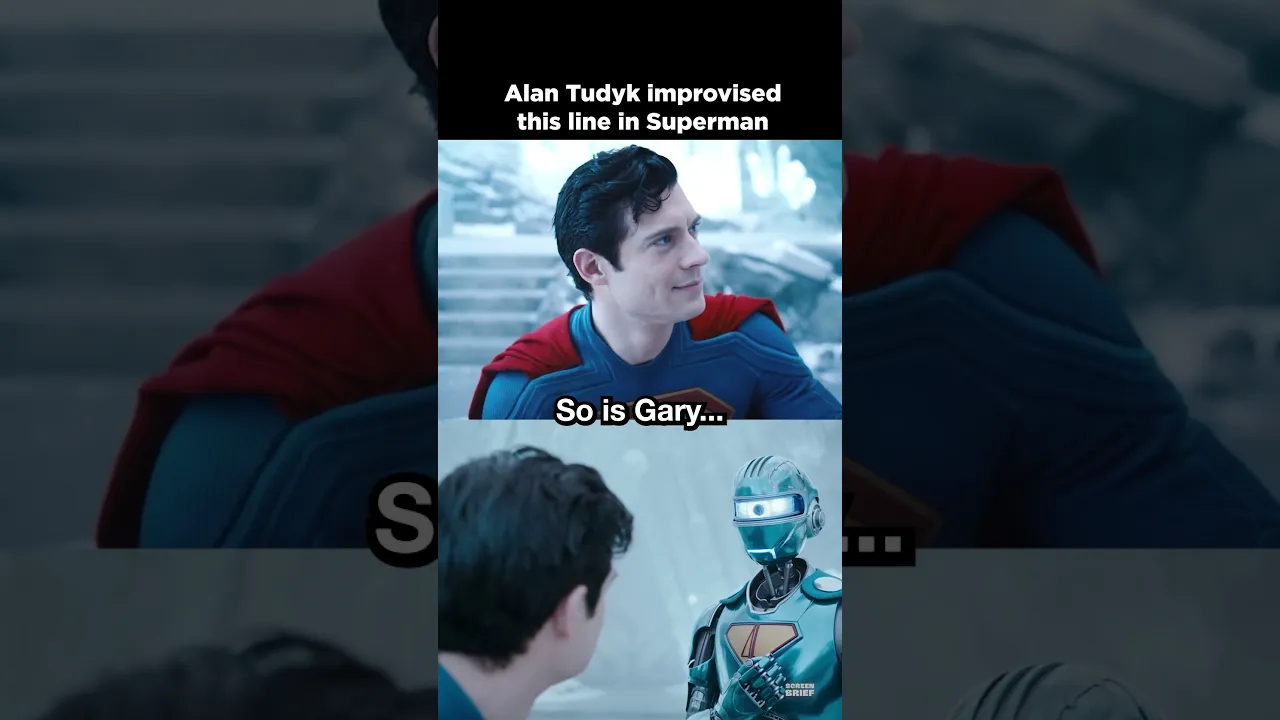
In Superman (2025), Alan Tudyk improvised the moment where Superman Robot Four wants to name himself Gary. The line was so funny it made David Corenswet crack up, so James Gunn kept it in the movie. James Gunn Superman Behind the Scenes, Superman BTS, David Corenswet, DC Studios, DCU, Supergirl, James Gunn DCU, #Superman #JamesGunn #DC Movie Facts, Movie Trivia, Films, Film Facts, Film Trivia, Thanks for watching! Subscribe to Screen Brief for new movie news and reviews every week! Visit our website for more: https://thescreenbrief.com/ Follow Screen Brief on social media for the latest movie news: Twitter: https://twitter.com/ScreenBrief Instagram: https://www.instagram.com/screenbrief/ Threads: https://www.threads.net/@screenbrief BlueSky: https://bsky.app/profile/screenbrief.bsky.social Follow DCU Brief for the latest DC Studios news: Twitter: https://twitter.com/DCUBrief Instagram: https://www.instagram.com/dcubrief/ Threads: https://www.threads.net/@dcubrief BlueSky: https://bsky.app/profile/dcubrief.bsky.social
下载选项
下载列表
合成视频和音频(YouTube使用分开的视频和音频存储方式)
方式一:使用付费下载合成好的视频和音频文件
1.99 (原价 方式二:使用 PotPlayer 合并视频音频播放

方式三:使用 FFmpeg 合并视频音频为一个文件
ffmpeg -i video.webm -i audio.weba -vcodec copy output.mp4
合成后的 output.mp4 将是有声音的
FFmpeg Download: https://ffmpeg.org/download.html
Windows: winget install ffmpeg