
YouTube 视频搜索下载 · 全程无需科学
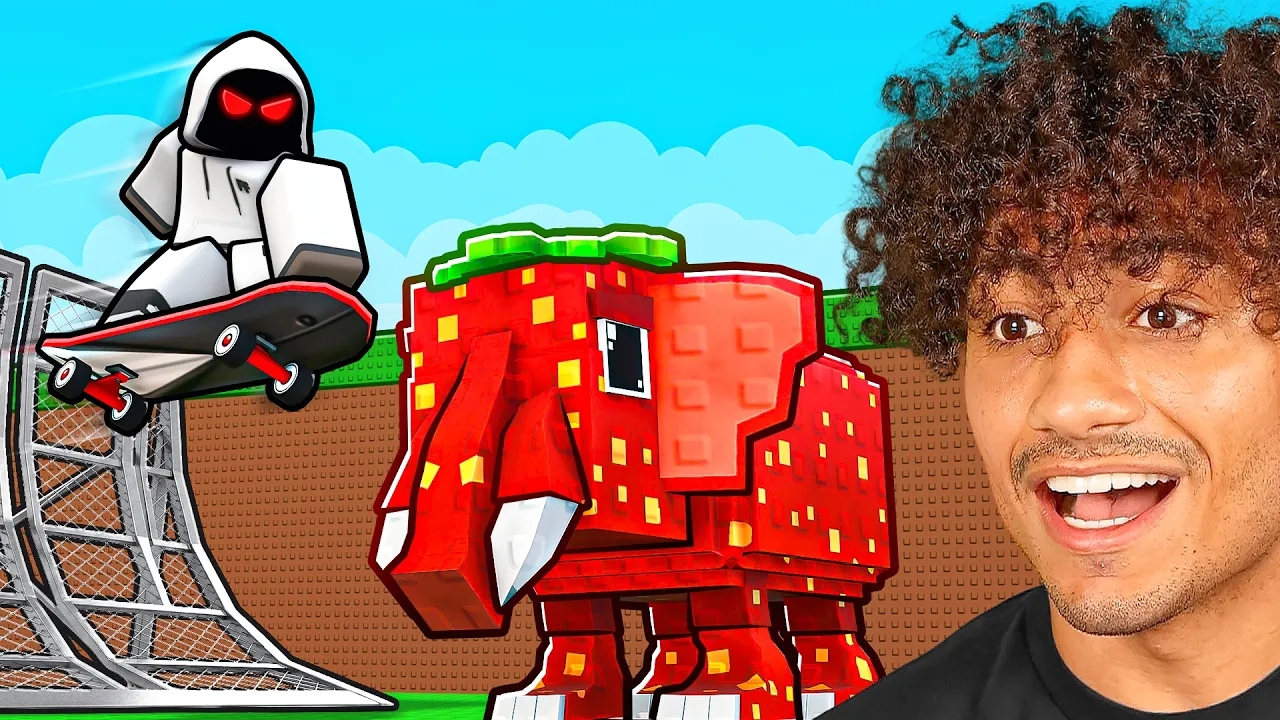
Today I played skateboard for brainrots in Roblox! Make sure you watch the whole video to find out what happens. Merch: https://foltyn.shop/ Join this channel to get access to perks: https://www.youtube.com/channel/UCRkuUgtDAL4XSU5jB40J_wA/join --Socials-- Discord: https://discord.gg/hqwZhrkqRr Roblox Group: https://www.roblox.com/groups/11775558/Foltyns-Family#!/about Roblox Name: TheRealFoltyn Insta: https://www.instagram.com/realfoltyn/ Twitter: https://twitter.com/Foltynnn What is Roblox? ROBLOX is an online virtual playground and workshop, where kids of all ages can safely interact, create, have fun, and learn. It’s unique in that practically everything on ROBLOX is designed and constructed by members of the community. ROBLOX is designed for 13 to 18 year olds, but it is open to people of all ages. Each player starts by choosing an avatar and giving it an identity. They can then explore ROBLOX — interacting with others by chatting, playing games, or collaborating on creative projects. Each player is also given their own piece of undeveloped real estate along with a virtual toolbox with which to design and build anything — be it a navigable skyscraper, a working helicopter, a giant pinball machine, a multiplayer “Capture the Flag” game or some other, yet-to-be-dreamed-up creation. There is no cost for this first plot of virtual land. By participating and by building cool stuff, ROBLOX members can earn specialty badges as well as ROBLOX dollars (“Robux”). In turn, they can shop the online catalog to purchase avatar clothing and accessories as well as premium building materials, interactive components, and working mechanisms. #Roblox #foltyn
下载选项
下载列表
合成视频和音频(YouTube使用分开的视频和音频存储方式)
方式一:使用付费下载合成好的视频和音频文件
1.99 (原价 方式二:使用 PotPlayer 合并视频音频播放

方式三:使用 FFmpeg 合并视频音频为一个文件
ffmpeg -i video.webm -i audio.weba -vcodec copy output.mp4
合成后的 output.mp4 将是有声音的
FFmpeg Download: https://ffmpeg.org/download.html
Windows: winget install ffmpeg