
YouTube 视频搜索下载 · 全程无需科学
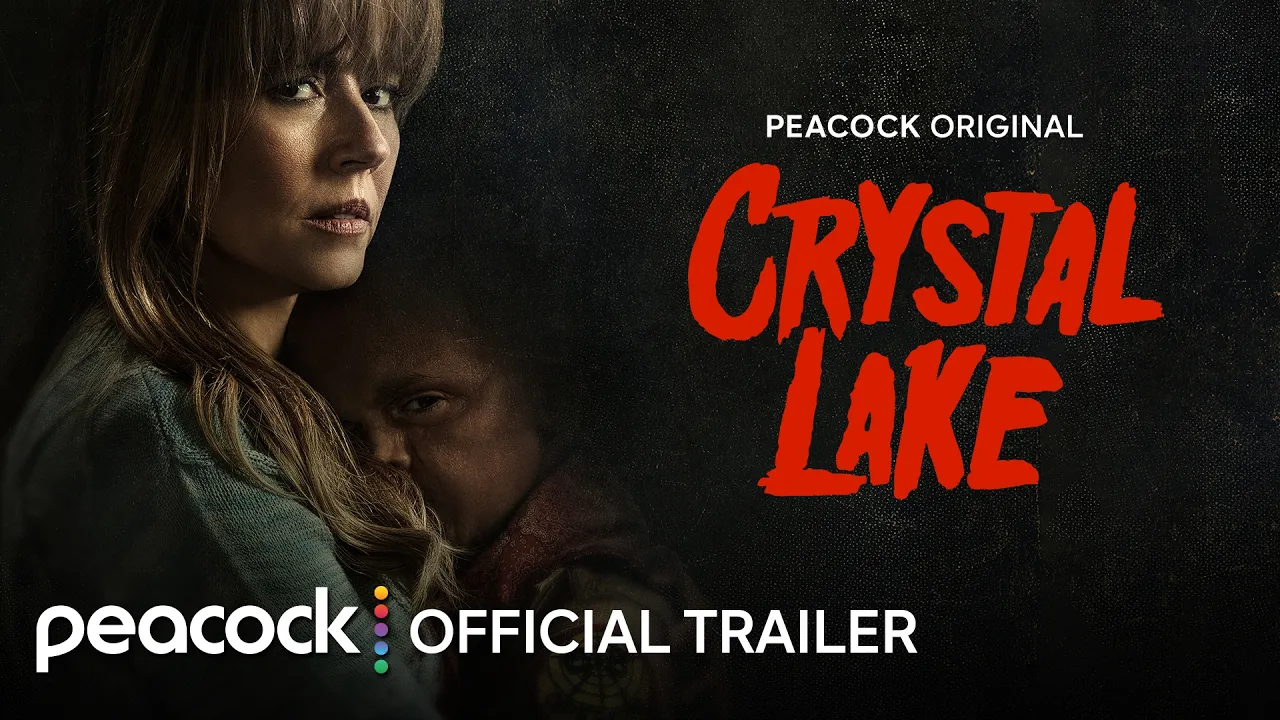
Crystal Lake is streaming October 15 on Peacock: https://pck.tv/45hBP6q Synopsis: A prequel to the Friday the 13th franchise, the series follows single mother Pam Voorhees who has been unable to shake her grief after her young, sickly son Jason tragically drowned in the town lake almost a year before. When two strangers arrive at Pam’s door digging into her past, a disturbing chain of events are set into motion, leaving the townspeople of Crystal Lake wondering: just who is Pam Voorhees? #Peacock #CrystalLake #OfficialTrailer Peacock is your go-to for hit movies, TV, live sports, and more. With the streaming service from NBCUniversal, you can watch new movies from theaters, current hits from NBC and Bravo, nonstop action from WWE, Premier League, Big Ten, and tons of other sports. Plus, stream exclusive Originals, NBC News, and your faves like The Office, Suits, Modern Family, and Yellowstone. Peacock is currently available to stream within the United States. Get More Peacock: ► Follow Peacock on TikTok: https://www.tiktok.com/@peacock ► Follow Peacock on Instagram: https://www.instagram.com/peacock ► Like Peacock on Facebook: https://www.facebook.com/PeacockTV ► Follow Peacock on X: https://twitter.com/peacock
下载选项
下载列表
合成视频和音频(YouTube使用分开的视频和音频存储方式)
方式一:使用付费下载合成好的视频和音频文件
1.99 (原价 方式二:使用 PotPlayer 合并视频音频播放
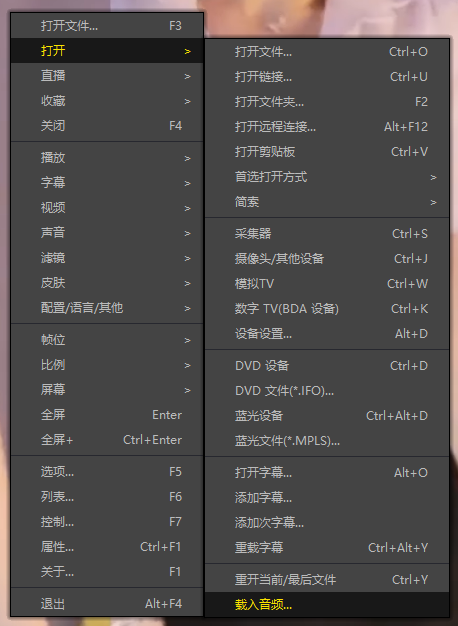
方式三:使用 FFmpeg 合并视频音频为一个文件
ffmpeg -i video.webm -i audio.weba -vcodec copy output.mp4
合成后的 output.mp4 将是有声音的
FFmpeg Download: https://ffmpeg.org/download.html
Windows: winget install ffmpeg