
YouTube 视频搜索下载 · 全程无需科学
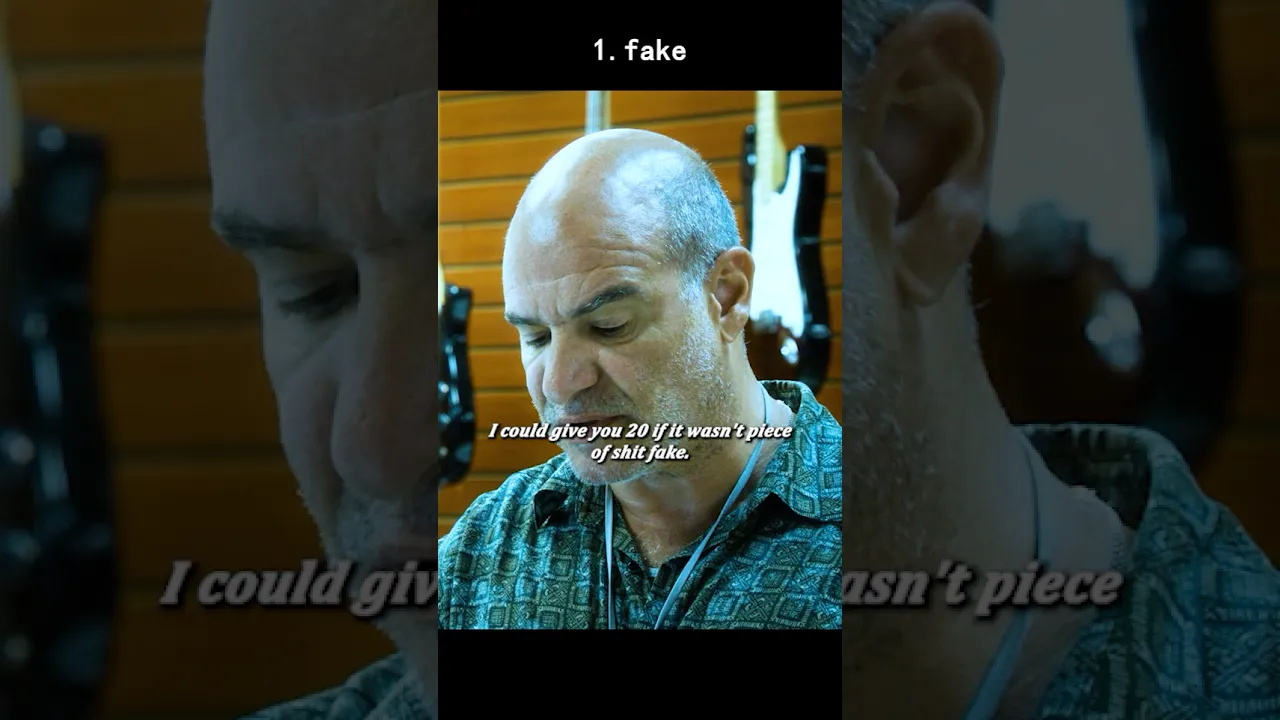
⌚ "THE ROLEX SWITCH – A CON MAN'S ART | Sneaky Pete S1E1 (2015) 🃏💎 Marius (Giovanni Ribisi) steps into a pawn shop with a cheap fake Rolex. The shopkeeper barely glances up—just another customer. But Marius isn't here to sell. He's here to swap. 😏 He chats up the owner, asks to see the "real" watches in the case. The moment the shopkeeper turns his back, Marius's fingers move like lightning. The fake goes in. The real comes out. No clicks. No fumbles. Just a ghost's touch. 🕊️ He pockets the genuine Rolex, pays for a minor repair on nothing, and walks out. The shopkeeper never suspects a thing—until hours later, when he's holding a worthless counterfeit and Marius is already three states away. 💨 "He didn't steal it. He just... upgraded his own collection." 🔥 🎬 LIKE & SUBSCRIBE for more SNEAKY PETE CLASSICS! #SneakyPete #GiovanniRibisi #ConArtist #RolexSwap #AmazonPrime #CrimeDrama #SneakyPeteSeason1 #BestScenes #YouTubeShorts 💬 "Could YOU pull off the perfect watch swap?" 👇 🔔 Turn on notifications for more BRILLIANT con moments! P.S. The show's title Sneaky Pete refers to Marius stealing his cellmate's identity—but this watch scene is the first glimpse of his magic hands. 🃏💪
下载选项
下载列表
合成视频和音频(YouTube使用分开的视频和音频存储方式)
方式一:使用付费下载合成好的视频和音频文件
1.99 (原价 方式二:使用 PotPlayer 合并视频音频播放

方式三:使用 FFmpeg 合并视频音频为一个文件
ffmpeg -i video.webm -i audio.weba -vcodec copy output.mp4
合成后的 output.mp4 将是有声音的
FFmpeg Download: https://ffmpeg.org/download.html
Windows: winget install ffmpeg