
YouTube 视频搜索下载 · 全程无需科学
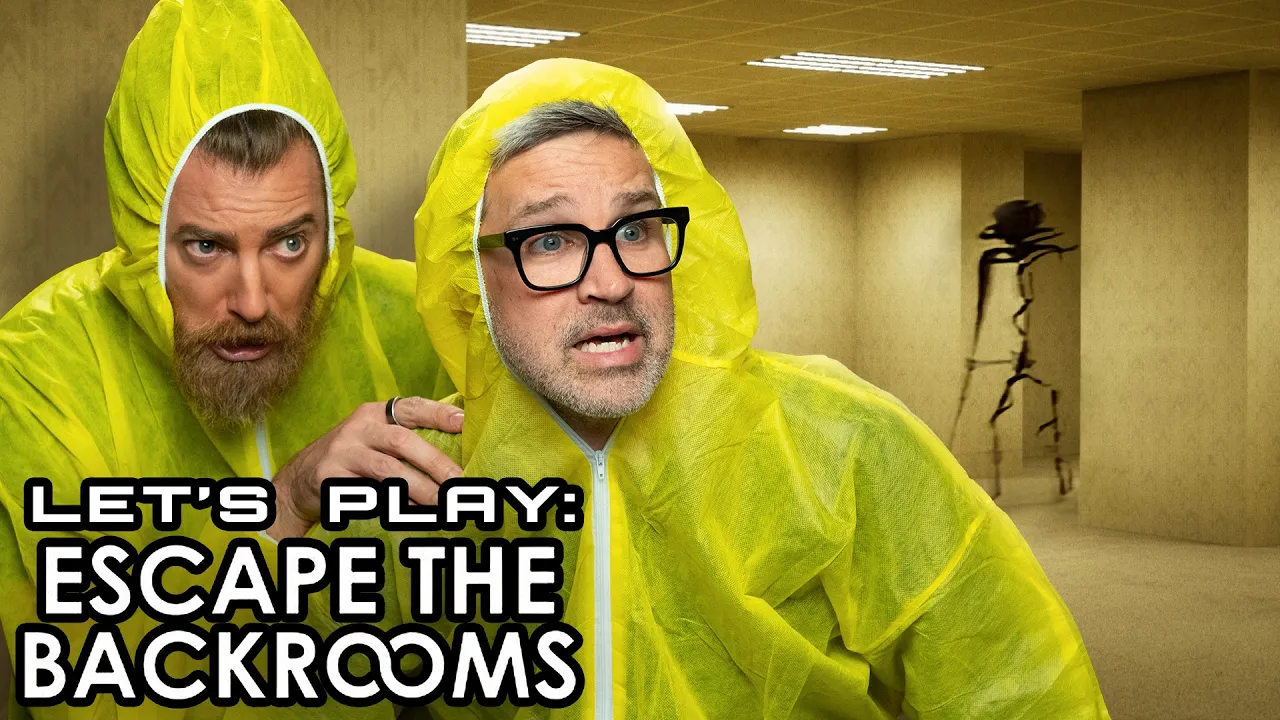
We enter the Backrooms and try to escape! Join the Mythical Society for access to never-before-seen footage, exclusive merch, sneak peeks, original series, and much, much more: https://mythic.al/yt-msoc Sign up for Mythical newsletters to stay up to date on all things Mythical and get 10% off your first order at the Mythical Store. Sign up now: https://Mythical.com/Newsletter This is Good Mythical MORE, the show after the show. Watch today's main show, Good Mythical Morning: https://youtu.be/b5-7OreGEbw Pick up official GMM and Mythical merch at https://mythic.al/yt-store and https://www.amazon.com/mythical Submit your Wheel of Mythicality intro video here: https://mythic.al/GMMWheelVideo Want to send us something? https://mythic.al/contact Get a copy of our novel, The Lost Causes of Bleak Creek @ http://www.bleakcreek.com Check Out Our Other Mythical Channels: Mythical Kitchen: https://youtube.com/mythicalkitchen Rhett & Link’s Wonderhole: https://youtube.com/rhettandlink Good Mythical Morning: https://www.youtube.com/@GoodMythicalMorning Follow Mythical: Instagram: https://instagram.com/mythical Facebook: https://facebook.com/mythical Twitter: https://twitter.com/mythical TikTok: https://tiktok.com/@mythical Website: https://mythical.com GMMore #3057 Intro Motion Graphics by Fantoons https://www.fantoons.shop/
下载选项
下载列表
合成视频和音频(YouTube使用分开的视频和音频存储方式)
方式一:使用付费下载合成好的视频和音频文件
1.99 (原价 方式二:使用 PotPlayer 合并视频音频播放

方式三:使用 FFmpeg 合并视频音频为一个文件
ffmpeg -i video.webm -i audio.weba -vcodec copy output.mp4
合成后的 output.mp4 将是有声音的
FFmpeg Download: https://ffmpeg.org/download.html
Windows: winget install ffmpeg