
YouTube 视频搜索下载 · 全程无需科学
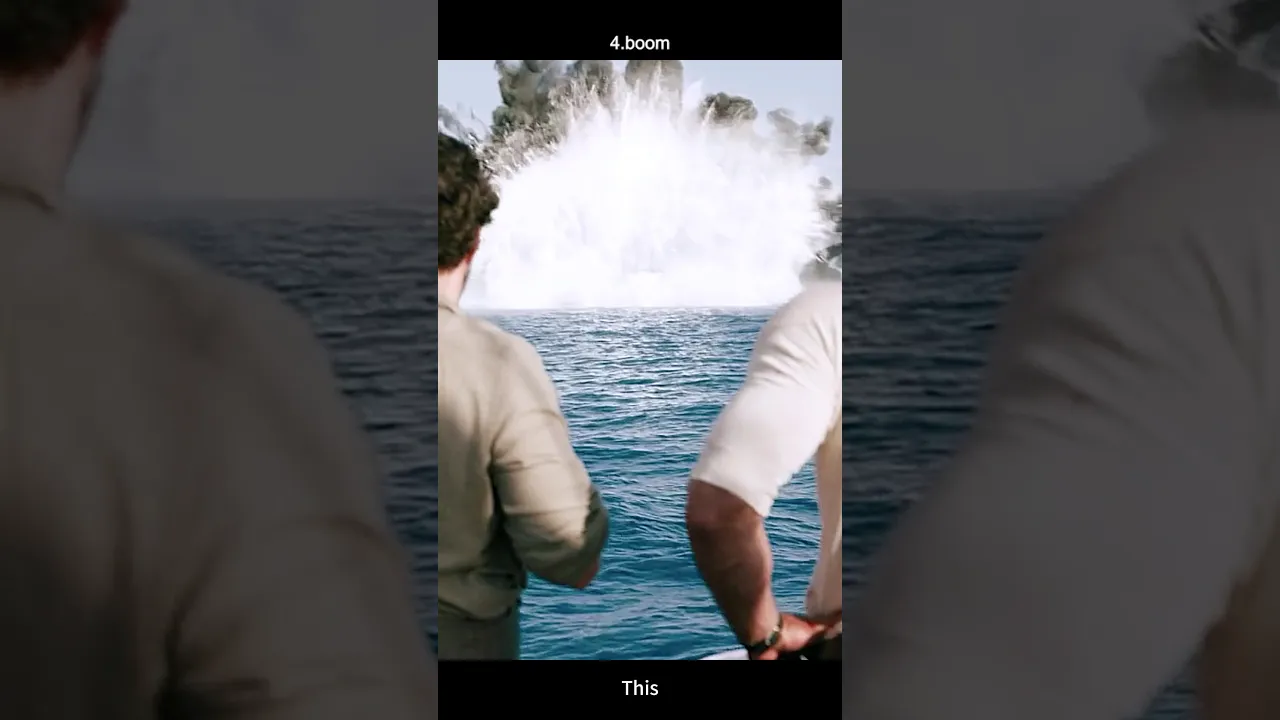
When Britain is on the brink of defeat in WWII and Nazi U-boats control the Atlantic, Prime Minister Churchill authorizes a secret, off-the-books mission: Operation Postmaster. The mission? Destroy an Italian supply ship vital to keeping the Nazi submarine fleet operational. But this is no ordinary military unit. Enter Gus March-Phillipps (Henry Cavill) and his team of reckless, highly skilled misfits. In one of the film's most electrifying sequences, the team is on a small sailboat when they are intercepted by a German naval party. As the German officers board and begin to search, the tension is razor-thin. In a brutal and swift counterattack, they massacre the boarding party in close-quarters combat—culminating in Anders Lassen cutting the throat of the German captain. But the explosive action isn't over yet. While the team dealt with the boarders, Freddy Alvarez (a frogman and explosives expert) was busy planting charges on the nearby German destroyer. As the destroyer opens fire on their small sailboat, the explosives detonate, obliterating the massive warship in a spectacular fireball. The "unsinkable" vessel meets a watery end, giving the team a temporary upper hand. This daring sinking is just the beginning of their journey to take down the Nazi war machine using completely ungentlemanly and unconventional tactics. The action is relentless, the kills are savage, and the explosions are massive. Based on a true story, this is Guy Ritchie's The Ministry of Ungentlemanly Warfare—a full-throttle action-comedy that blends WWII history with cinematic chaos. #TheMinistryOfUngentlemanlyWarfare #HenryCavill #GuyRitchie #WWII #ActionMovie #Nazi #Explosion #OperationPostmaster #MovieClip #NewMovie #AlanRitchson #WarMovie
Download Options
Download List
Synthesize video and audio(YouTube uses separate video and audio storage)
Method 1: Use paid downloads of synthesized video and audio files
1.99 (not Method 2: Use PotPlayer to combine video and audio playback
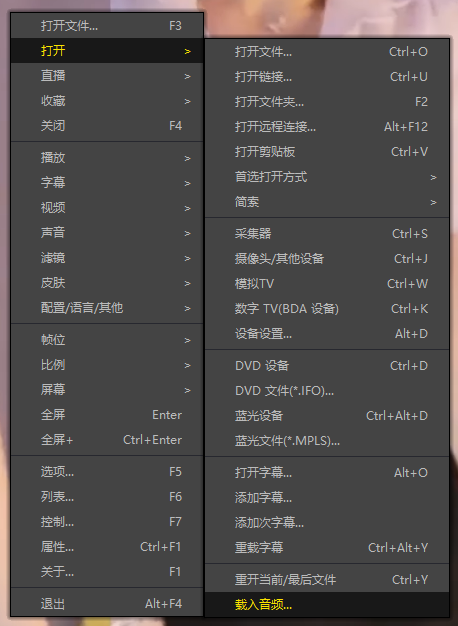
Method 3: Use FFmpeg to combine video and audio into one file
ffmpeg -i video.webm -i audio.weba -vcodec copy output.mp4
The synthesized output.mp4 will have sound
FFmpeg Download: https://ffmpeg.org/download.html
Windows: winget install ffmpeg