
YouTube 视频搜索下载 · 全程无需科学
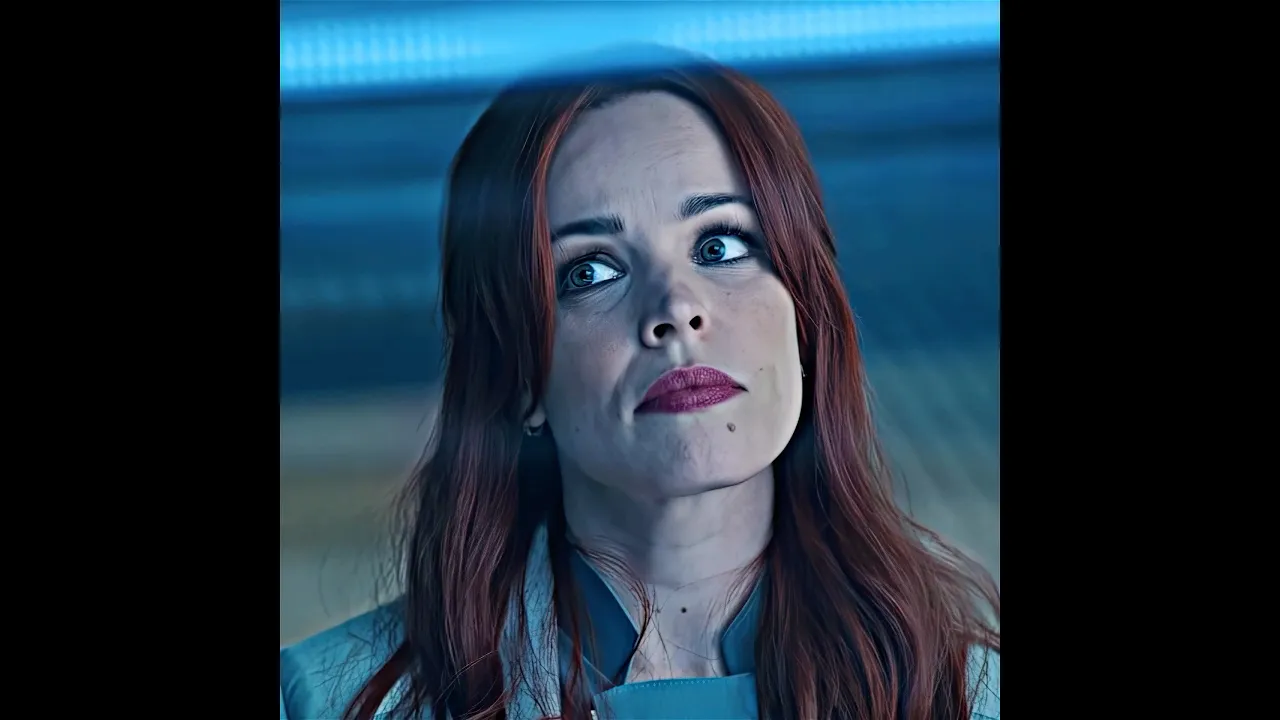
🎥Film: Doctor Strange in the Multiverse of Madness (2022) ⚡Music: Hypnotic (slowed) 💻 Edit: Adobe Premiere Pro 2023 & Adobe After Effects 2023 Doctor Strange wakes up in a universe where nothing is familiar. 🌌 Captured, studied, and judged as a threat, he discovers that his reality is known as Earth-616 while others watch the multiverse from the shadows. But when a dangerous force targets a young girl, Strange must find a way to protect her before everything falls apart. ⚡ #doctorstrange #multiverse #marvel #movierecap #actionmovie #filmrecap #shorts 📢 Disclaimer: I turn iconic movie and TV moments into engaging stories using original commentary, creative editing, and visual storytelling. This channel operates under Section 107 of the U.S. Copyright Act (Fair Use). All material is heavily transformed through commentary, analysis, editing, and educational context. If any copyright holder has concerns, please contact me directly—I will respond quickly and work toward a professional resolution.
下载选项
下载列表
合成视频和音频(YouTube使用分开的视频和音频存储方式)
方式一:使用付费下载合成好的视频和音频文件
1.99 (原价 方式二:使用 PotPlayer 合并视频音频播放
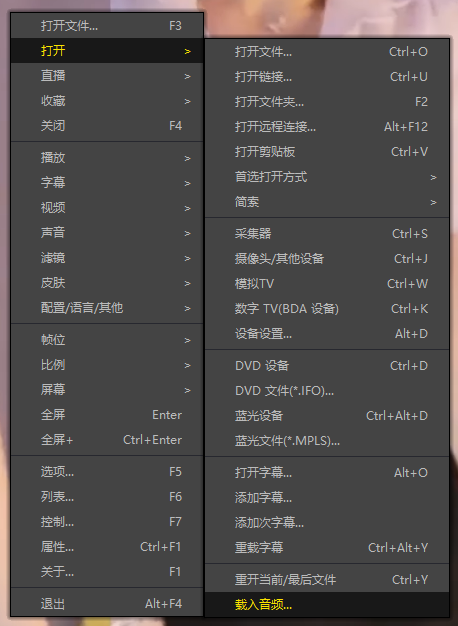
方式三:使用 FFmpeg 合并视频音频为一个文件
ffmpeg -i video.webm -i audio.weba -vcodec copy output.mp4
合成后的 output.mp4 将是有声音的
FFmpeg Download: https://ffmpeg.org/download.html
Windows: winget install ffmpeg