
YouTube 视频搜索下载 · 全程无需科学
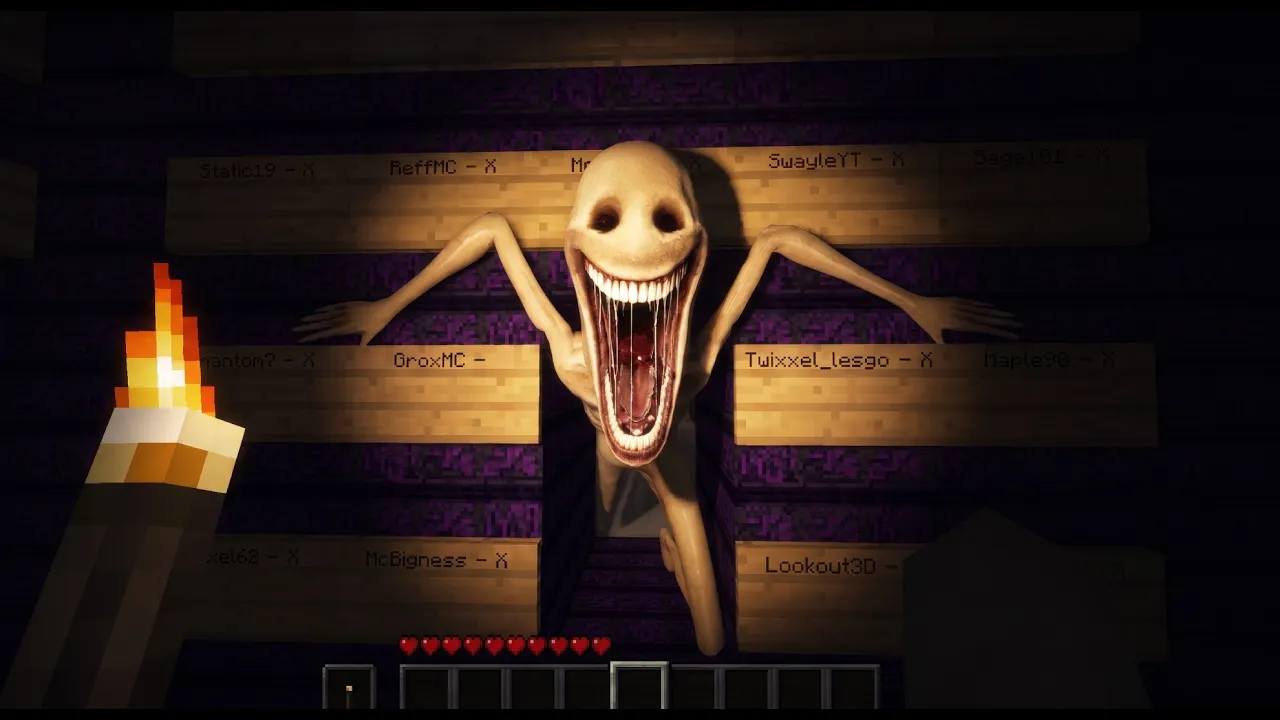
Something Won't Let You Leave... And it's something horrifying. Verity's voice actor: @JustWhispy Special thanks to @GroxMC for accepting to be in the vid! Watch my videos on Spotify: https://open.spotify.com/show/033vHZW7F2GVDiC44bHwfj Shoutout to: @itsfilsfr - Verity helpline voice actor @peaktownmc - made the laboratory machine model @9meoww - helped me with animations @HeroHayden47 - helped Whispy with voicelines This is part 3 of the Minecraft Verity Series: I built a way out, and it let me believe it. Every wire led to an escape. Every calculation said it would work. And the second it mattered, I found out it only ever worked one way. NO, you CANNOT publish mods, sell merch, or do anything commercial about Verity before asking me first. NO, you CANNOT repost dubbed versions of my videos. If you dubbed them, email me and I might add it as an official audio track. Intro - 0:00 - 0:28 Video - 0:28 - 24:39 Outro - 24:39 - 24:48 This video is a horror short film, it uses scripted editing and sounds to add the main entity in video. THERE IS NO MOD. #minecraft #minecrafthorror #horror #minecraftarg
下载选项
下载列表
合成视频和音频(YouTube使用分开的视频和音频存储方式)
方式一:使用付费下载合成好的视频和音频文件
1.99 (原价 方式二:使用 PotPlayer 合并视频音频播放
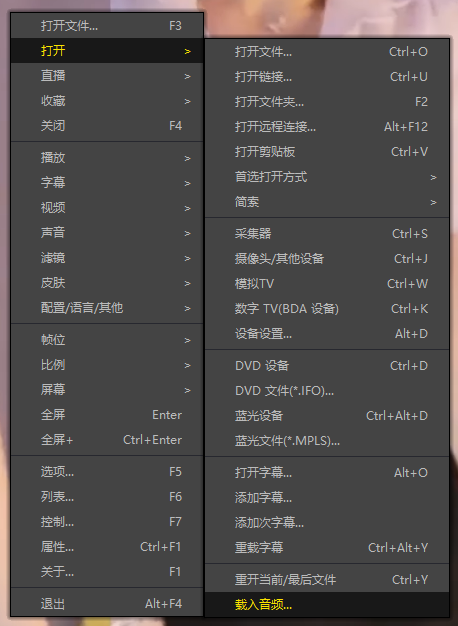
方式三:使用 FFmpeg 合并视频音频为一个文件
ffmpeg -i video.webm -i audio.weba -vcodec copy output.mp4
合成后的 output.mp4 将是有声音的
FFmpeg Download: https://ffmpeg.org/download.html
Windows: winget install ffmpeg