
YouTube 视频搜索下载 · 全程无需科学
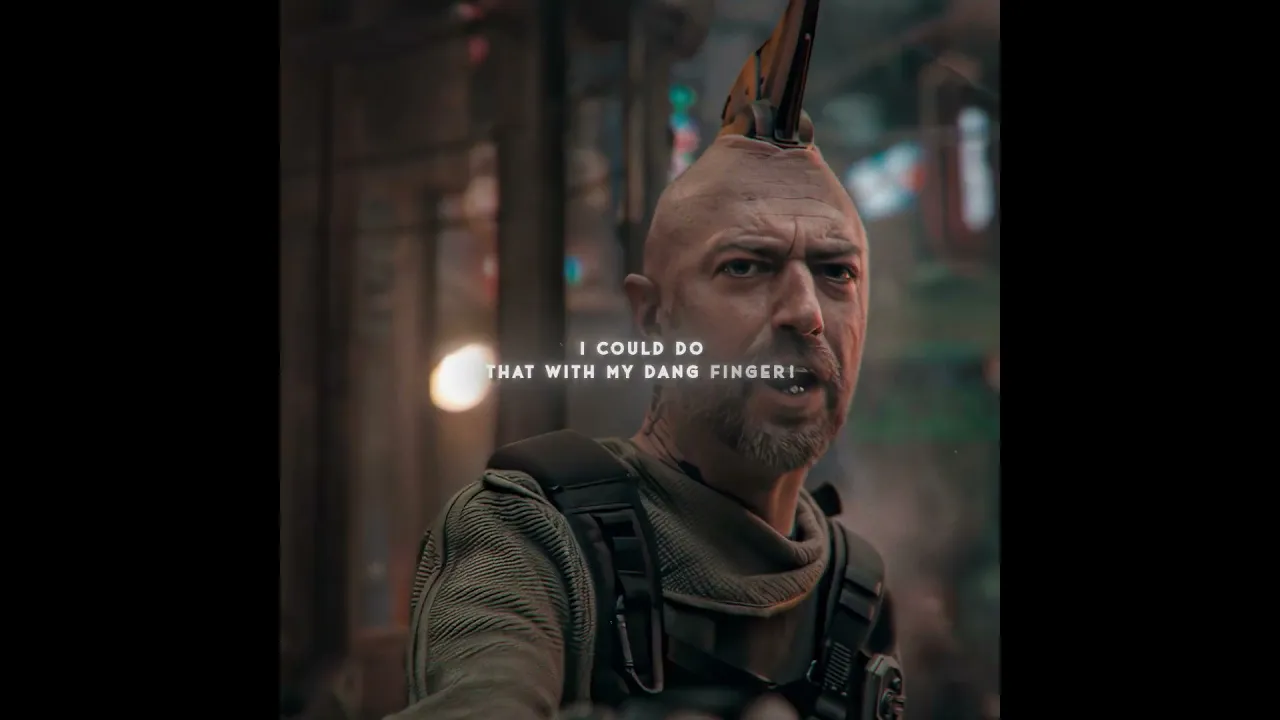
Movie/Series Used:Guardians of the Galaxy Editing Software: After Effects 2025 /Adobe Premiere Pro 2025 /Adobe Audition 2025 /Topaz Video Al / CapCut POV: I'm the one what sticks up for you! Creative Process:Through a series of meticulous steps-includingdynamic subtitles,image stabilization, and video restorationcombined with the visual content and character narration, wepresent the audience with a narrative distinct from the originalstoryline.By re-editing the footage, we rearrange educational andentertaining elements from the original plot to offer viewers a freshperspective and a unique storytelling style. (This is entirely originaledited content; please do not repost.) How this was made Auto-dubbed Audio tracks for some lanquages were automatically generated. Learn @ Copyright All the videos, songs,images, and graphics used in the video belongto their respective owners and l or this channel don't claim anyrights over them. Copyright Disclaimer Under Section 107 of the Copyright Act 1976,allowance is made for fair use for purposes such as news reportingteaching, scholarship, and research. Fair use is a use permitted bycopyright statute that might otherwise be infringing. Non-profiteducational or personal use tips the balance in favor of fair use.Thanks for Watching...!!
下载选项
下载列表
合成视频和音频(YouTube使用分开的视频和音频存储方式)
方式一:使用付费下载合成好的视频和音频文件
1.99 (原价 方式二:使用 PotPlayer 合并视频音频播放

方式三:使用 FFmpeg 合并视频音频为一个文件
ffmpeg -i video.webm -i audio.weba -vcodec copy output.mp4
合成后的 output.mp4 将是有声音的
FFmpeg Download: https://ffmpeg.org/download.html
Windows: winget install ffmpeg