
YouTube 视频搜索下载 · 全程无需科学
Usage times: 2,552,257
Number of comments: 0
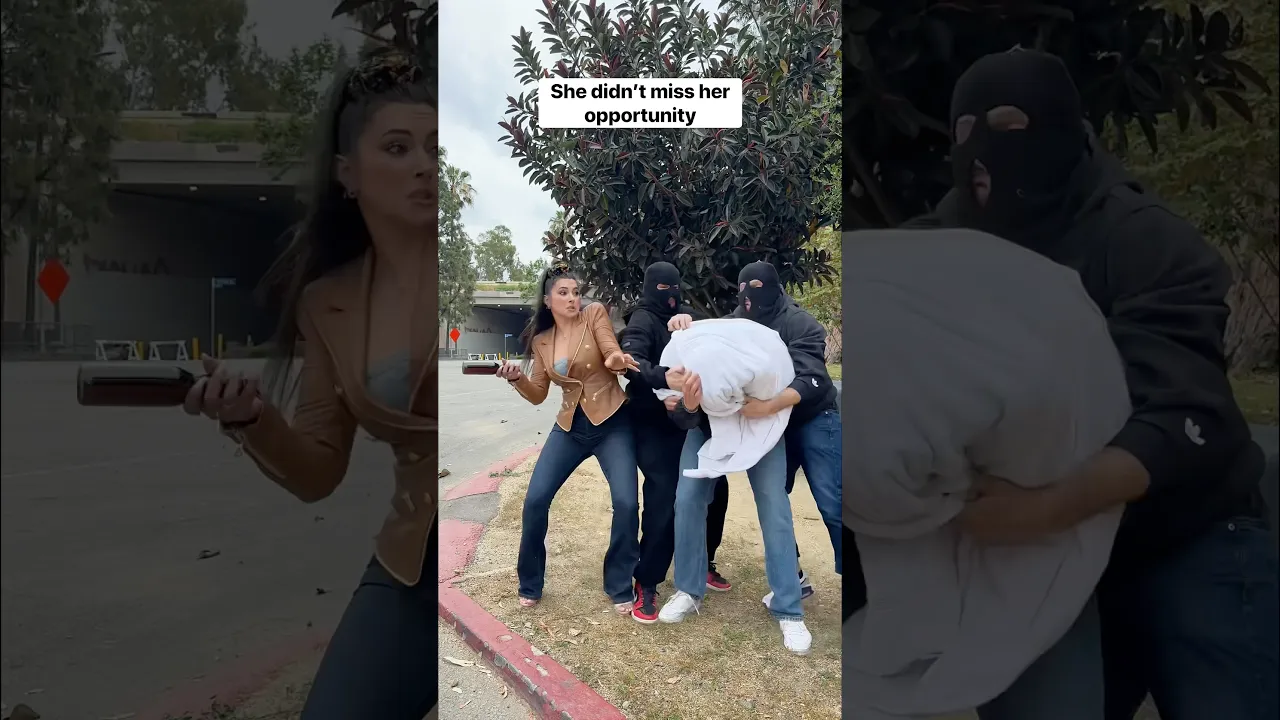
Before you judge me: I saved his life
Download Options
Fast download
Tips: Fast requires "Over the Great Firewall" Network
Only show audio
Download List
💥💥💥 Recommended to use IDM, can be accelerated by multiple threads, 🧧IDM software join group top self-pickup.
Quality
FPS
Format
Audio
Size
Download
VIP
❗❗❗ If you click Download to enter the preview page, you can try to right-click the download button to save the link as, right-click to use IDM to download.🧧IDM software join group top self-pickup
❗❗❗ For the problem that the video has no sound, you can download the video and audio separately and use the following methods to solve the problem 👇
Synthesize video and audio(YouTube uses separate video and audio storage)
Method 1: Use paid downloads of synthesized video and audio files
Scan the WeChat QR code to pay 2.99) download synthesized audio and video files immediately
1.99 (not Method 2: Use PotPlayer to combine video and audio playback
Download a video file without sound, and use PotPlayer (https://potplayer.daum.net) to open the video, right click on the playback interface -> Open -> Load External Audio -> File Type select "All Files (*.*)" -> Select the downloaded audio file (for example xxx.weba), now the video has sound, as shown below.

Method 3: Use FFmpeg to combine video and audio into one file
ffmpeg -i video.webm -i audio.weba -vcodec copy output.mp4
The synthesized output.mp4 will have sound
FFmpeg Download: https://ffmpeg.org/download.html
Windows: winget install ffmpeg