
YouTube 视频搜索下载 · 全程无需科学
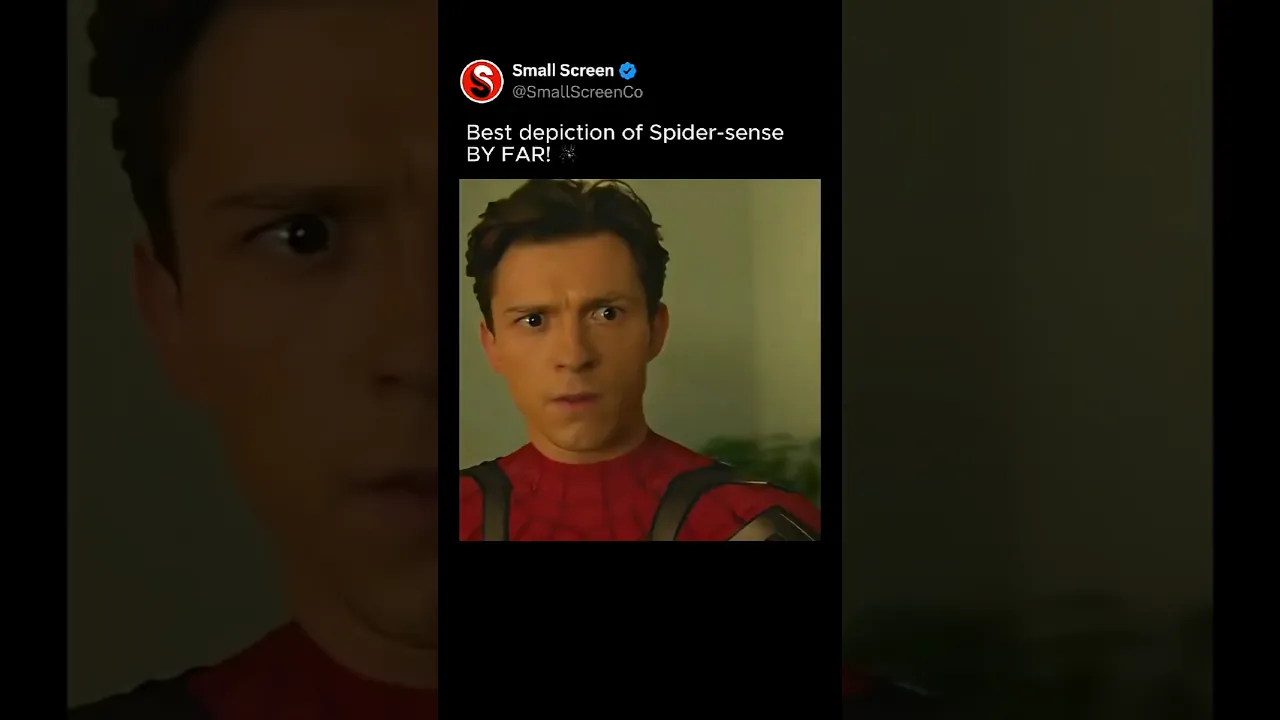
🕷️ Spider-Sense is one of Spider-Man’s most important powers. It acts like a sixth sense, warning Peter Parker of danger before it actually happens. Instead of reacting after something occurs, Spider-Man can move before the threat fully unfolds, which is why he can dodge bullets, avoid punches, and survive fights against much stronger enemies. In the Marvel universe, Spider-Man isn’t the strongest hero. He doesn’t have the cosmic power of Thor or the technology of Iron Man. But Spider-Sense gives him something unique: instinct. That instinct allows him to move through combat almost like a dance, reacting instantly to threats that other heroes might not even notice. It’s the invisible ability that keeps him alive in some of the most dangerous battles in the Marvel universe. #SpiderMan #Marvel #SpiderSense #MCU
下载选项
下载列表
合成视频和音频(YouTube使用分开的视频和音频存储方式)
方式一:使用付费下载合成好的视频和音频文件
1.99 (原价 方式二:使用 PotPlayer 合并视频音频播放

方式三:使用 FFmpeg 合并视频音频为一个文件
ffmpeg -i video.webm -i audio.weba -vcodec copy output.mp4
合成后的 output.mp4 将是有声音的
FFmpeg Download: https://ffmpeg.org/download.html
Windows: winget install ffmpeg