
YouTube 视频搜索下载 · 全程无需科学
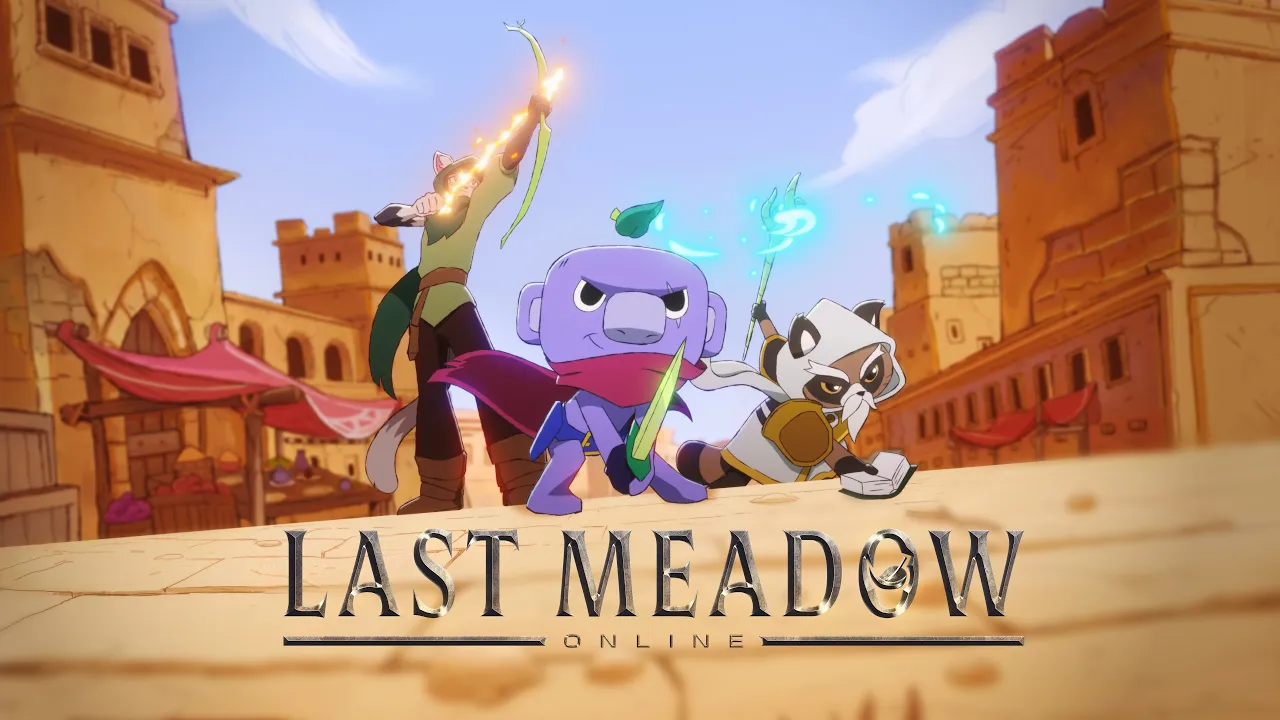
Available now on Discord desktop and browser: https://discord.com/last-meadow-online After a harrowing adventure through flourishing forests, desolate deserts, and punishing plains, Wumpus has finally achieved physical contact with The Last Meadow. As they return to town to bask in their accomplishment, the celebration is cut short by a new emerging threat, a fearsome, foliage-absorbing dragon who goes by: Grass Toucher. Today, we’re announcing the next entry in Big Wump Games’ beloved, now quintuple-A gaming franchise: Last Meadow Online. Band together with your fellow Discordians in the world’s first DBMMIRPG* and help Wumpus defeat Grass Toucher. All players who contribute to defeating the dragon will receive a limited-edition badge on their Discord profile, yours to keep. But you'll need to act fast: Last Meadow Online is only available until April 7. Wumpus needs all the help they can get. Learn more in our blog: https://discord.com/blog/last-meadow-online-announcement _*Discord-Based Massively Multiplayer Incremental Role Playing Game :)_
下载选项
下载列表
合成视频和音频(YouTube使用分开的视频和音频存储方式)
方式一:使用付费下载合成好的视频和音频文件
1.99 (原价 方式二:使用 PotPlayer 合并视频音频播放

方式三:使用 FFmpeg 合并视频音频为一个文件
ffmpeg -i video.webm -i audio.weba -vcodec copy output.mp4
合成后的 output.mp4 将是有声音的
FFmpeg Download: https://ffmpeg.org/download.html
Windows: winget install ffmpeg